Consequently, in today’s digital age, smart home technology has evolved from being merely a convenience into a lifestyle. Moreover, Amazon has introduced Alexa+ (AI-Powered Alexa), a complete reinvention of its voice assistant. If you reside in the United States and wish to make your Echo devices even smarter, this guide is for you.
Thus, this article explains Alexa+—what it is, how to enable it, and how it can transform your Firestick and Roku.
What is Alexa+? (The New AI Evolution)
However, Alexa+ is an advanced version of the standard Alexa, powered by Generative AI and Large Language Models (LLMs). While the original Alexa understood only “one-liner” commands, Alexa+ can converse with you as a human would.
Key Features:
- Furthermore, it remembers your previous sentences, enhancing understanding.
- Moreover, Complex Tasks allow executing multiple actions with a single command.
- Smart Home Control: Seamless integration with your devices.
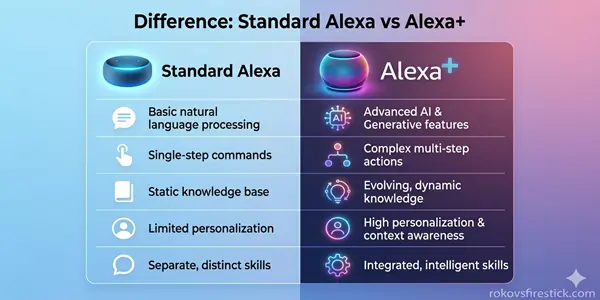
Standard Alexa vs Alexa+: Key Difference
| Features | Standard Alexa | Alexa+ (AI Powered) |
| Conversational Flow | Limited (One task at a time) | High (Remembers past interactions) |
| Context Awareness | Low (Forgets previous context) | High (Remembers past interactioins) |
| Complex Tasks | No | High (Multitasking) |
| Personalization | Basic | Advanced (Learns your habits) |
| Subscription | Free | $5.99 – $9.99/Month (US Only) |
Pro Tip: If you want to see a complete comparison of the latest streaming devices of 2026, be sure to read our Roku vs Firestick 2026: Ultimate Comparison Guide.
How To Enable Alexa+ Voice Commands (Step-by-Step)
The roll out of Alexa+ began in the United States. To activate it, follow the steps below:
1. Check Your Amazon Account and Region

Since Alexa+ is currently available primarily in the United States, ensure your Amazon account is set to the ‘US Region’.
2. Update the Alexa App
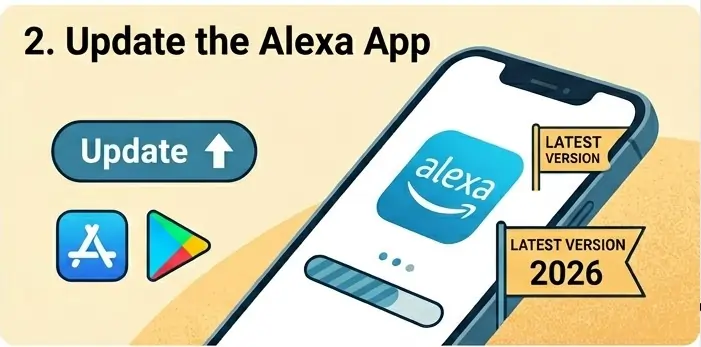
Then, go to the App Store or Google Play Store and update your app to the latest 2026 version.
3. Use the “Alexa, Let’s Chat” Command
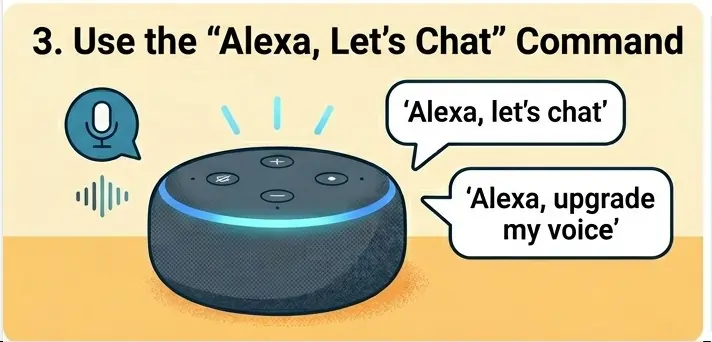
Approach your Echo device and say: “Alexa, let’s chat” or “Alexa, upgrade my voice.” If your device is eligible, Alexa will guide you through the setup process.
4. Alexa+ Subscription (Optional)
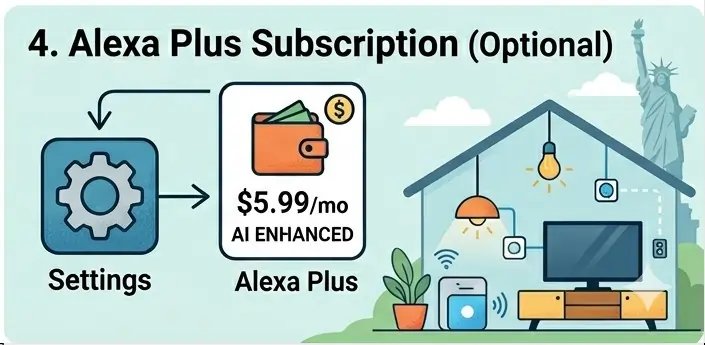
Amazon may charge a small monthly fee for certain advanced features. You can check your subscription status by going to Settings > Alexa Plus within the app.
The Magic of Alexa+ with Firestick and Roku
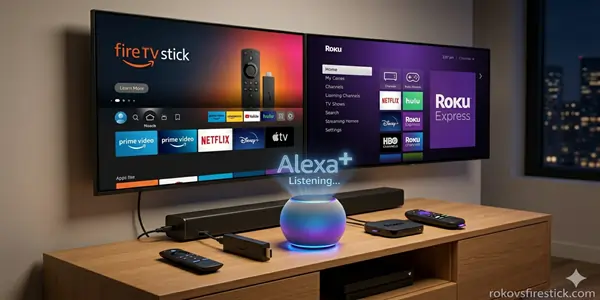
Most users utilize Alexa to control their TVs. With Alexa+, this experience becomes even more magical.
- For Firestick: Now you can say, “Alexa, find me a thriller movie like ‘Inception’ but something I haven’t watched yet.” Alexa will check your watch history and provide precise recommendations.
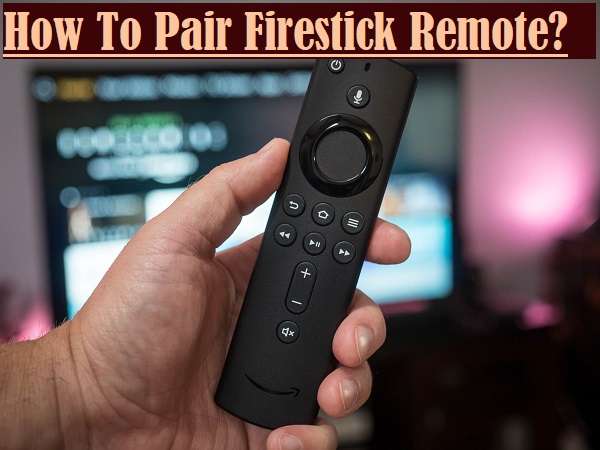
- Detailed Guide: How to Set Up the Alexa Voice Remote on Firestick?
- For Roku: Although Roku has its own voice search features, pairing it with Alexa makes it even more powerful.
Roku vs Firestick 2026: If you are unsure which device integrates better with Alexa, check out our Detailed Comparison Guide.
Best Smart Devices For Alexa+ (Recommended For US Users)
Now all Echo devices support the new AI features. For the best experience, you should have one of the following:
- Echo Show 15 (2nd Gen): Best for the kitchen and living room.
- Echo Dot (5th Gen) or newer: An affordable option for small rooms.
- Echo Studio: If you are a music enthusiast.
- Fire TV Stick 4K Max (2026 Edition): For smooth streaming.
Comparison of the Best Devices For Alexa+ (2026 Edition)
| Device | Key Feature (Best For) | Alexa+ AI Support | Price (Estimated – US) |
| Echo Dot (5th Gen) | Compact and Affordable | Basic AI | $49.99 |
| Echo Show 10 | Video Calls and Rotating Screens | Full AI + Visuals | $249.99 |
| Echo Studio | Premium Audio and Music | Full AI + Hi-Fi | $199.99 |
| Fire TV Stick 4K Max | Smart TV and Streaming | Enhanced AI Voice | $59.99 |
| Echo Hub | Smart Home Control Center | Advanced AI Dashboard | $179.99 |
Common Issues (Troubleshooting)
- Feature Not Available: If you encounter this error, set your Language Settings to ‘English (United States)’.
- Slow Response: The AI may sometimes take 1-2 seconds to process. Ensure that your internet connection is stable.
- Privacy Mode: If you don’t want Alexa to remember your conversations, you can go to Voice Privacy Settings and turn off ‘Contextual Memory’.
Conclusion:
As a result, Alexa+ voice commands are not merely an update; they mark the dawn of a future-forward smart lifestyle. Whether you are searching for movies on your Firestick or controlling your smart lights via Roku, Alexa+ makes the experience effortless and intuitive.
Have you tried the new Alexa+ yet? Which of its AI features did you find most impressive? Let us know in the comments below!
FAQ (Frequently Asked Questions)
Q. How do I enable voice commands on Amazon Alexa?
Voice commands are generally enabled on Alexa by default. However, voice commands are enabled on Alexa by default. Then, connect your Echo device or Smart TV using the Amazon Alexa App. Additionally, sign in to the app, add your device, and start giving commands by saying ‘Alexa’.
Q. How do I upgrade to or enable Amazon Alexa+ (Plus)?
To enable Alexa+ (Amazon’s generative AI upgrade), you can say to your Echo device: “Alexa upgrade to Alexa+”, alternatively, you can activate it by logging into your Amazon Prime account via the Alexa app or Alexa.com.
Q. Is it necessary to set up my own voice (voice profile) on Alexa?
This is not mandatory, but setting up a voice profile allows Alexa to recognize your voice and provide personalized results (such as your playlists or reminders).
Setup Steps: Open the Alexa app, go to Settings > Your Profile & Family > Voice ID, and follow the on-screen instructions.
Q. How do I enable voice commands for TVs or Smart Home devices?
- Open the Alexa app and go to the Devices tab.
- Go to the Skills and Games section, search for the skill associated with your TV or smart Home brand (e.g., Sony, Wipro, MI, etc.), and click Enable to Use.
- After linking your account, say “Alexa, discover my devices”.
Q. What should I do if Alexa isn’t responding to my voice commands?
- Check if the Mute Button is on (indicated by a red light).
- Reconnect the device to wi-fi properly.
- Ensure that microphone permissions are enabled in the Alexa app.
- Restart the device by unplugging it from the power source for 10 seconds.
Q. How do I start using Hindi or Hinglish voice commands?
Open the Alexa app, go to Settings > Device Settings > Language, and select English (India) or Hindi (हिंदी). After that, you can give commands in Hindi, such as Alexa, gaana bajao (Alexa, play a song).